Reco-minimap is ready for you to try 🎉

reco-minimap is ready for you to try :tada:

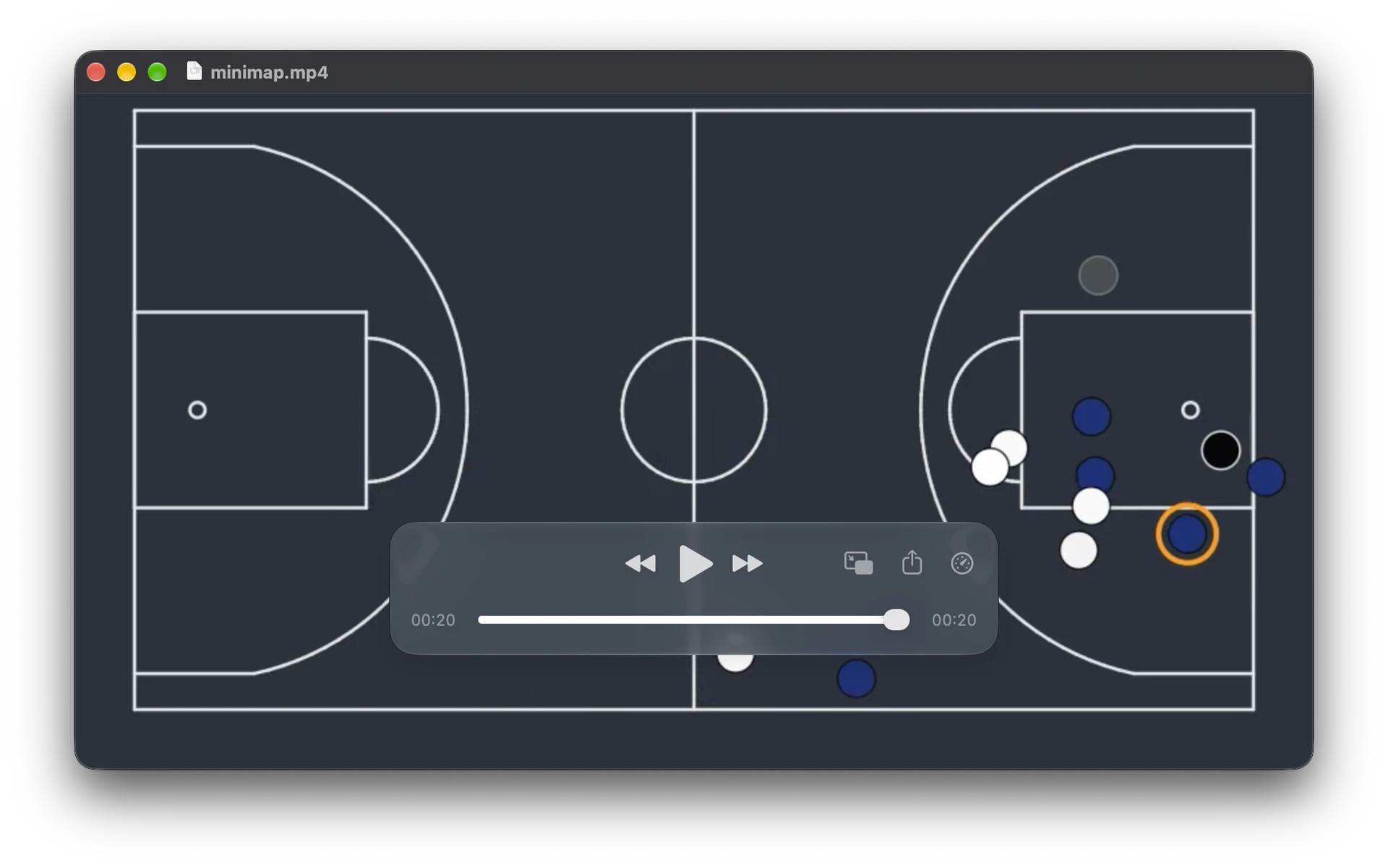
Starting today, you can test reco-minimap: a small open-source tool that turns a Reco panorama video into a top-down minimap of the game, showing the court, both teams, the referees and the ball.

Please read this first: it is not perfect yet. Players get lost, the ball hides, and some things need a patient hand at calibration. What I hope it gives you is a good impression of what becomes possible once tracking and footage are good.

Any sport Reco films. Football, futsal, basketball, handball, hockey, rugby, lacrosse, American football and volleyball come with their field markings built in. For anything else, choose custom and enter the field size and team size.

It tries to understand the game, too. With --scenes, reco-minimap looks for typical situations: tip-off, free throw, throw-in and 2/3-point attempts in basketball; kick-off, penalty, corner and throw-in in football; throw-off, 7 m and throw-in in handball; and more per sport. It can also read jersey numbers and notice substitutions. All of this is rule-based and has so far been verified on constructed formations only, so treat it as an early look.

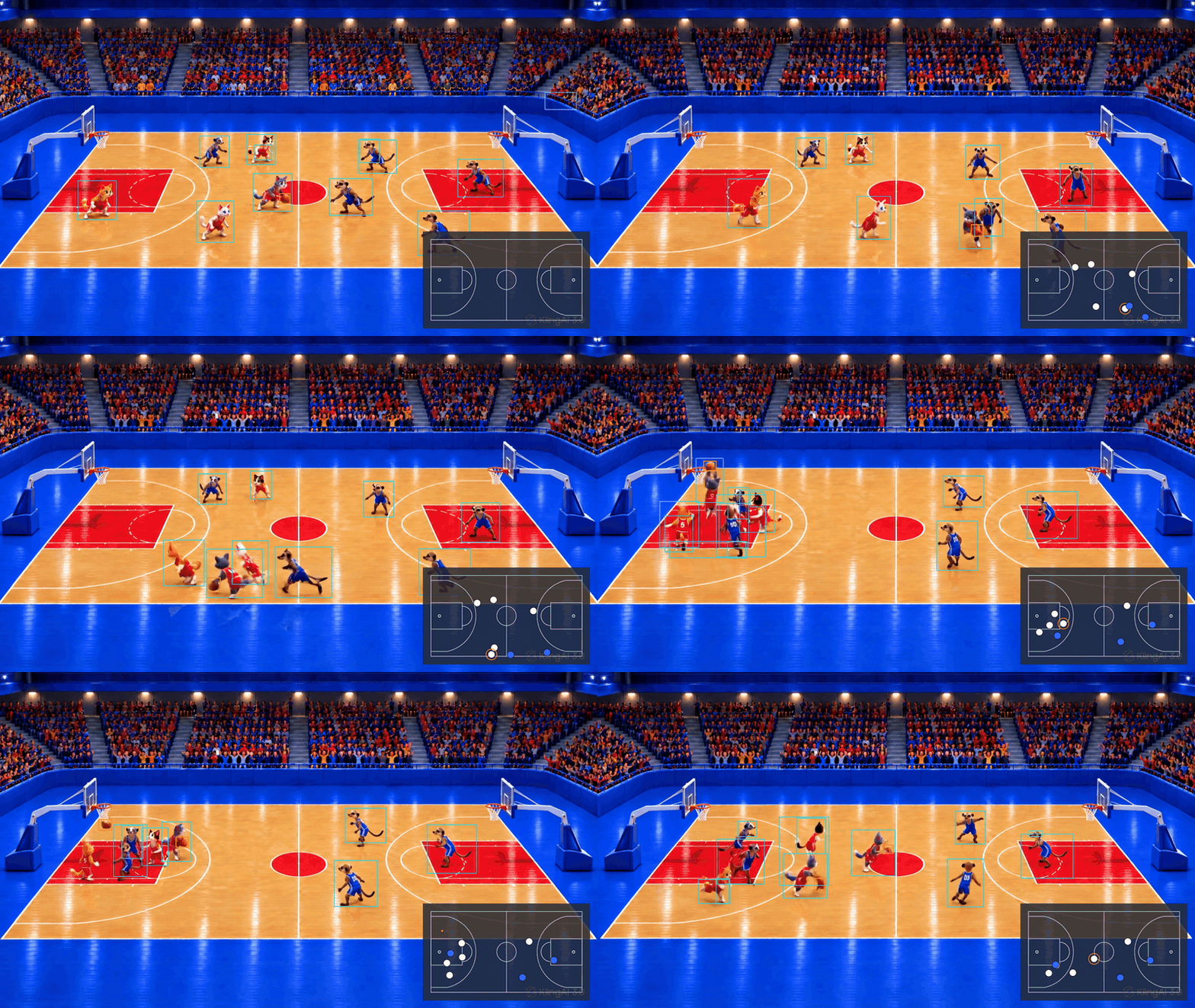
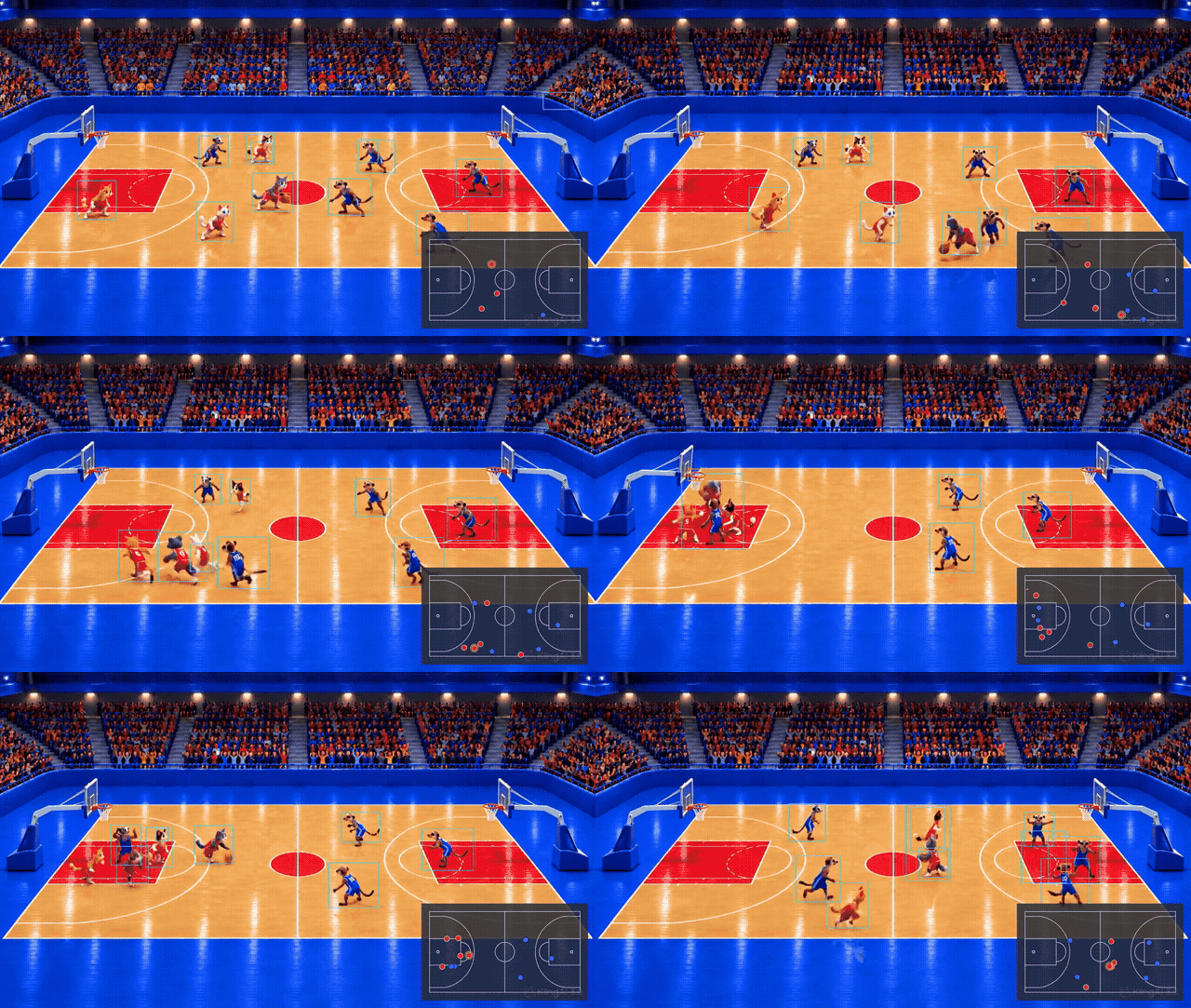
A confession about test material. I am short of real full-court footage. Much of the testing was therefore done with synthetic scenes, including an animated clip of cats playing meerkats. If you have a full-court panorama you can share, you would help this project more than any line of code.

Polyglot, as usual.

  • Languages: the interface, all program messages, the help text and the guides are in English, Deutsch, Français and Español.
  • Platforms: developed and tested on macOS (Apple silicon, with CoreML acceleration); the test suite also runs on Linux. Windows is untested, and reports are very welcome.
  • Sources: a file or any ffmpeg source (RTMP, SRT, UDP, capture card), so a live panorama works too, with a browser overlay for OBS.

How to get it

git clone https://github.com/wendibus/reco-minimap
cd reco-minimap && cargo install --path . --features tools,coreml

(On Linux, leave out ,coreml.) You also need ffmpeg and ONNX Runtime; the README walks you through it in a few minutes. Then:

reco-minimap ui

This opens the interface in your browser and guides you step by step: pick the video, mark the court, check the team colours, run. A legend shows which point to click next during calibration. From then on, reco-minimap update fetches new versions.

Start with the walkthrough: docs/WALKTHROUGH.md (also .de, .fr, .es).

Tell me what breaks, what surprised you and what you would love to see: Issues · wendibus/reco-minimap · GitHub

Have fun, and thank you for testing. :heart:

2 Likes

some video some example?

https://forum.reco.cam/uploads/default/original/1X/83924f055d64b4768aa2867766094ac5c349443f.webp

yes it looks nice, but I would like to see it in interaction.

The easiest way is by testing it.

I cannot upload videos here. Therefore I converted them to animated gifs.
demo_pip
demo

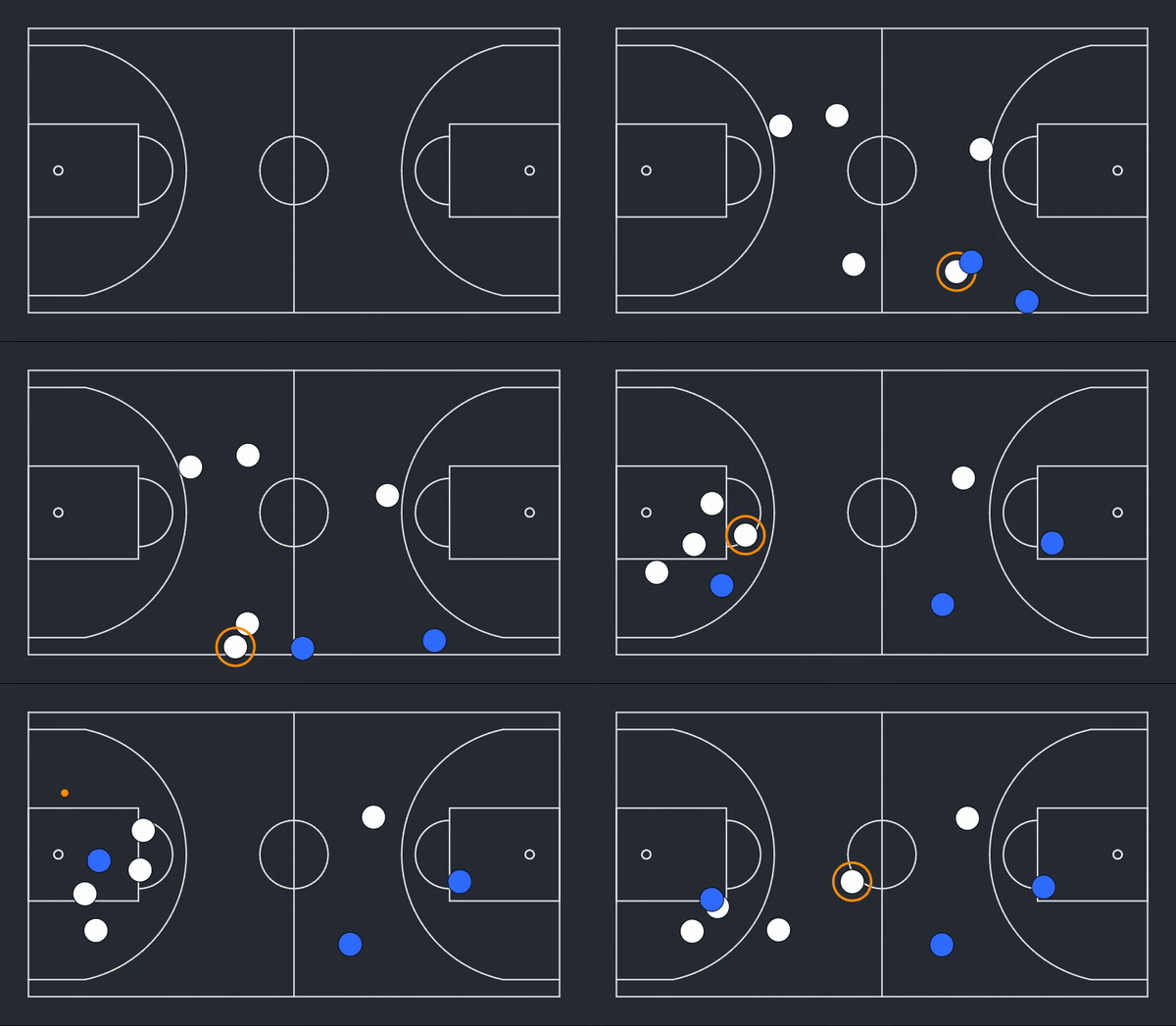
The output of reco-minimap can be a livestream or a video as overlay (left) or standalone (right). I am surprised that the ML detects cartoons at all. I do not have good whole-court footage for tests.

If you follow the walkthrough, you get an idea how to use it. I am not neutral, but I hope it is pretty easy for everyone who is fine with reco.
WALKTHROUGH.md

3 Likes

Perfect :clap: :clap: :clap: :clap:

Reco Minimap 0.10 – game analysis on your own computer

Commercial camera systems like XbotGo now offer AI game analysis as a service: heat maps, shots on target, key moments and highlights, for serious money per game. Your data is processed in the cloud to do it.

I wanted something similar, but on my own computer: no subscription, no upload, and the video stays with me. That is how Reco Minimap came about. It turns a Reco panorama video into a top-down view of the field and analyses it.

1-detection

Animated test video: detection in the panorama on the left, the minimap on the right.

What it does today

  • Minimap: players in their shirt colours, referees and the ball from above. You get it as a video, as a transparent overlay for OBS, or as the panorama with the minimap inset.
  • Many sports: football, futsal, basketball, handball, hockey, rugby, lacrosse, American football, volleyball, plus a free rectangular field.
  • Works without your own training: by default it uses the general model from Reco Camera. If you have trained a model for your sport in Reco Trainer, you pick it with one click.
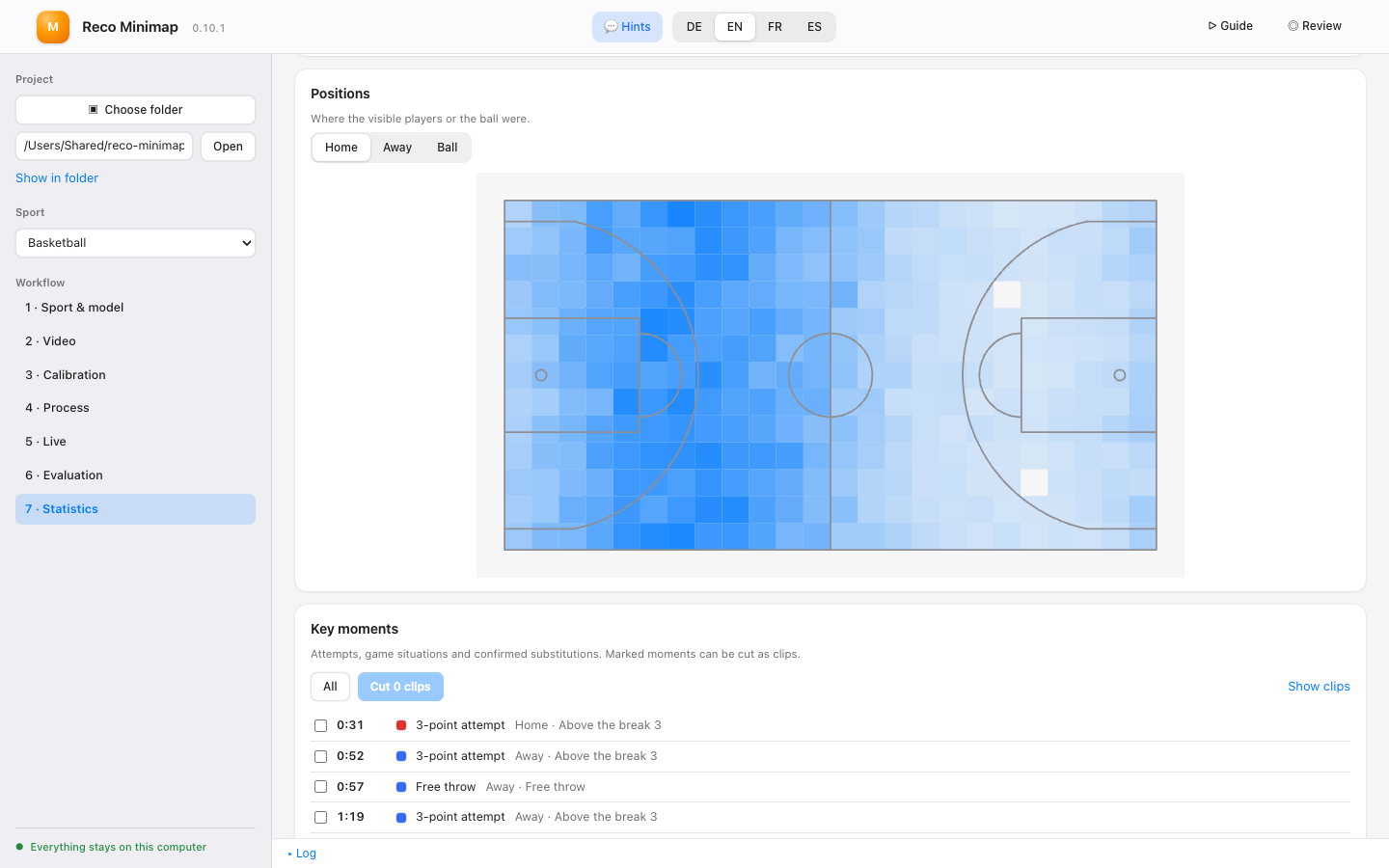
  • Statistics: heat map of positions (home, away, ball), possession, ball position, time sections, and key moments with one-click clips.
  • Live mode: an overlay for OBS plus a live ticker for substitutions and game situations such as tip-off, throw-in, corner or free throw.
  • Jersey numbers and substitutions (optional), matched against your squad list.
  • Browser interface in English, German, French and Spanish, with a built-in guide. On the Mac there is a signed app with updates.


Heat map from a synthetic test game.

What it can’t do (yet)

  • Goals and shots are not reliably detected yet. The program cannot see whether the ball ends up in the goal or the basket. It only roughly estimates shot attempts from the formations on the field.
  • It does not show the score and has no game clock.
  • Detection quality has only been properly checked on basketball footage so far. The other sports are supported through their field geometry.

This is just the beginning. Detection quality depends mostly on the model. Every better model from Reco Trainer makes more possible, for example one that finds the ball more reliably: shots on target, goals, better statistics.

Your data is yours

Reco Minimap writes everything as JSON: positions per frame, ball state, substitutions and game situations. That is a good basis for more, for example:

  • an AI match report that a language model writes from the events and statistics (even locally, with a model on your own computer);
  • a richer live ticker that turns the event stream into more than just keywords;
  • your own analyses in Excel, Python or wherever you like.

Try it

Download, guide and source code: GitHub - wendibus/reco-minimap · GitHub

I’d love to hear your feedback, see test videos from other sports, and get ideas for what should come next.

1 Like

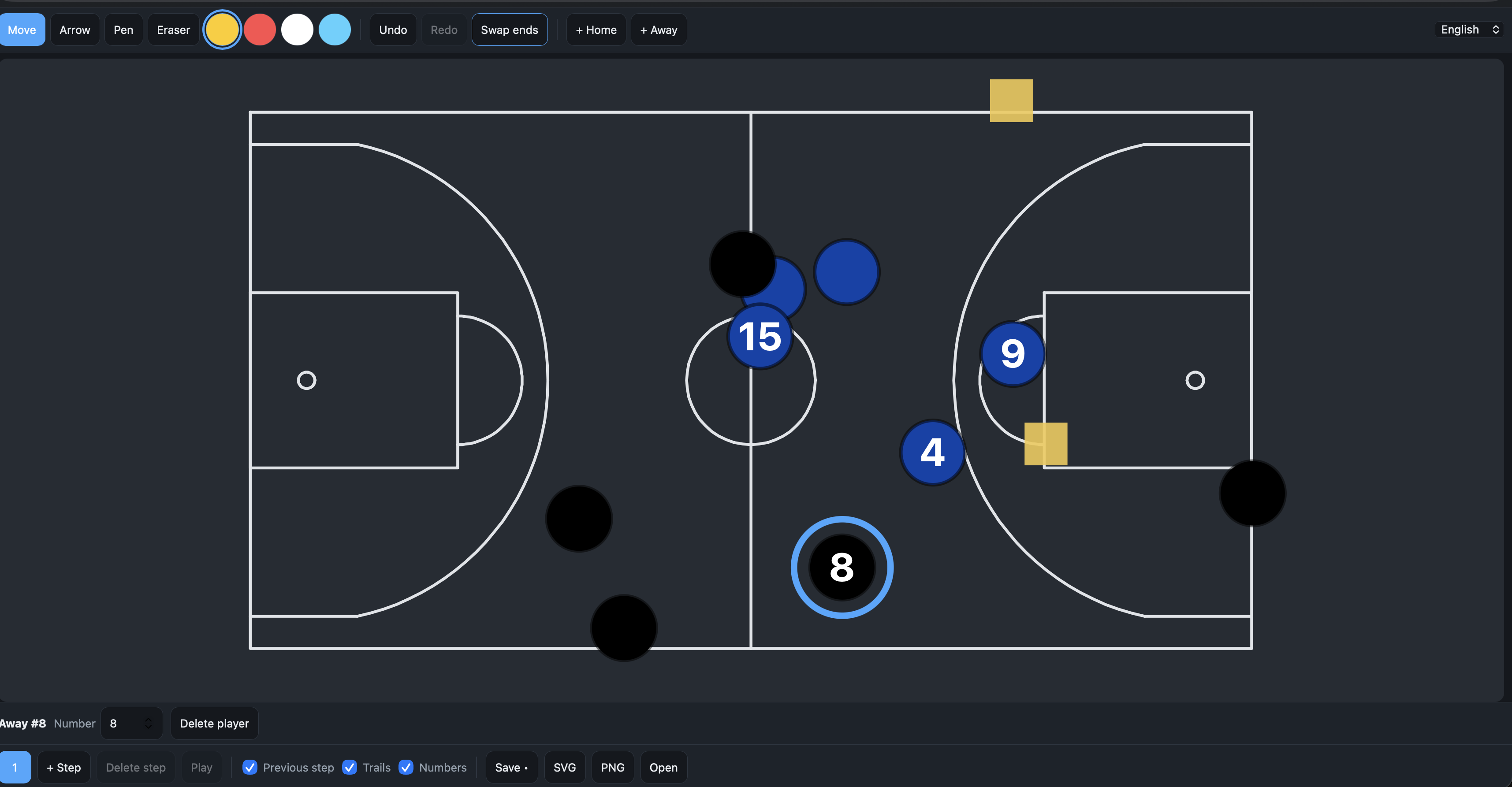
Reco Minimap Now Offers Extended Basketball Features.

It can scan a real scoreboard and sync it with a virtual scoreboard embedded in the video. It attempts to detect who scored and suggests the right player on a page accessible from your mobile device if you are on the same LAN.

Due to the scoreboard detection and the scores linked to the players, it offers extended statistics and the ability to create videos per player or team. There is also a rudimentary tactics map for analytics afterward (implemented by someone who has never coached a basketball team).

And that’s why I need:

  • Videos of scoreboards
  • Testers who know basketball, especially coaching, by heart
  • If you are into a different sport that also typically uses a real scoreboard, please get in touch with me
  • Footage or testers who provide active feedback with their footage
1 Like