Hi, testing the v1 version and can’t figure out where the output files are located. I open the data folder from the settings but aren’t seeing them. Am I missing something?
Yes, unfortunately v1 does not export the panoramic video, as it is rendered in realtime. If you use the record functionality, it will usually save to Downloads folder. Apart from that, the only thing it exports is a stacked view of the videos. The settings page has a button that opens the data folder.
v2 produces a proper video. If you are not very technical I would recommend you wait for the official installation to come out. Rn its a bit tricky to get it to install.
Thanks, I’ll install v2.0 and check it out.
It’s still unstable and the AI tracking is not up to date.
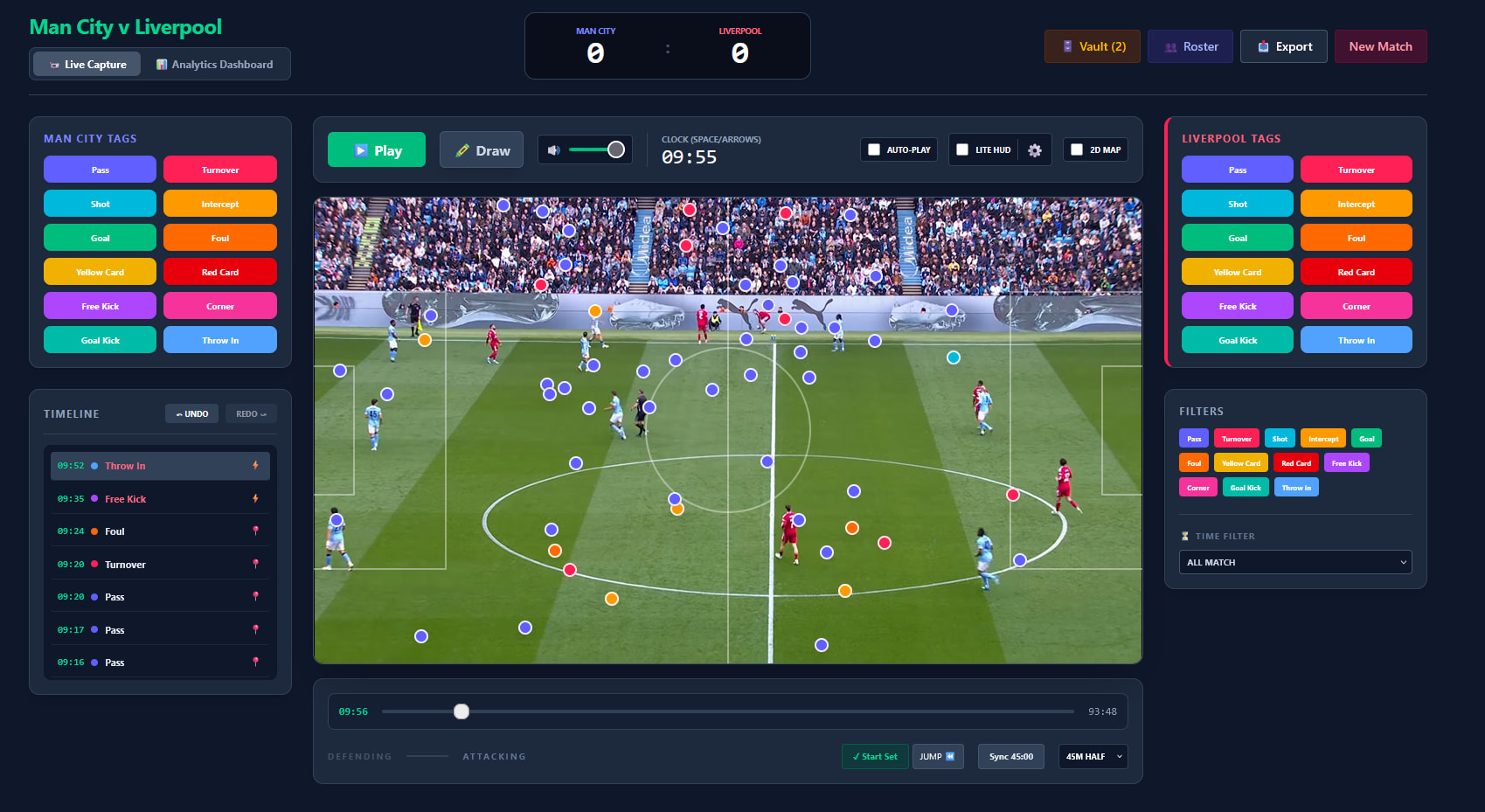
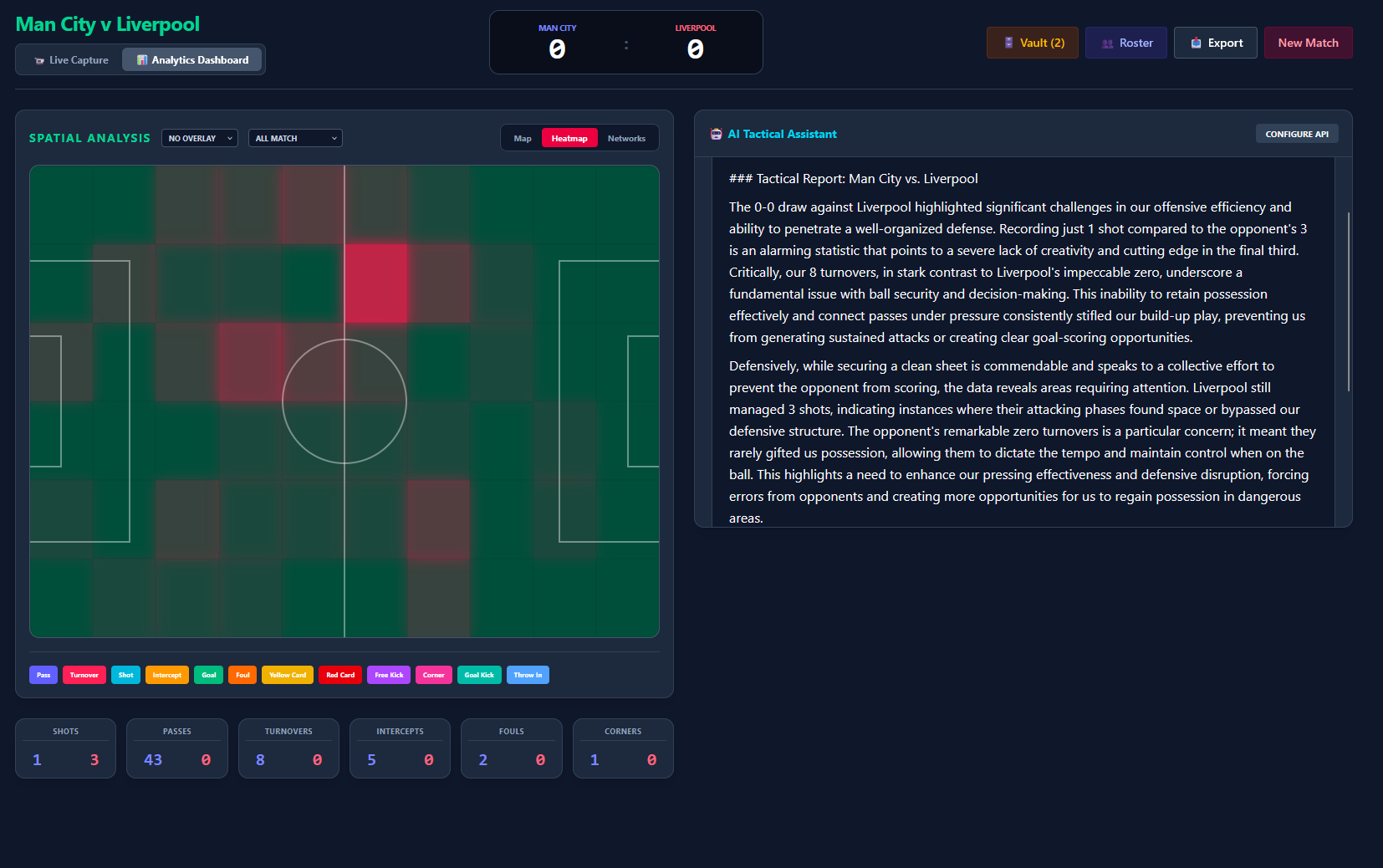
No worries, I’m just looking to stitch my videos for now. I was in the process of making my own app, but got bogged down getting the renders to utilize the GPU and haven’t picked it back up yet. I’m currently working on an app that utilizes these recordings to analyze games (geared more towards smaller clubs/teams), so getting some good stitched video is essential for testing  .
That’s great, and very interesting.
v2 is built such that you could easily sink out the detection and any logic from the video while it’s stitching. So if you plug in your AI model that detects players and ball etc… you’ll just have to run the stitching once and you’ll get all your AI processing done in one pass.
I don’t yet have an AI model set up for the app, it’s manual tagging at this point. The end goal is to introduce AI tagging of events.
1 Like