Ball tracking jitter + horizontal-only pan suggestion

Hey, first of all I just want to say I love what you’re building with Reco. The idea of stitching two camera feeds into a seamless panoramic sports view is exactly what small clubs and independent filmers like me need. Really excited about where this is going.

One piece of feedback: the ball tracking mode still has a lot of room to improve. The camera shakes and jitters a lot when following the ball, moving in all directions (up, down, left, right) which makes the output hard to watch.

My suggestion would be to add a horizontal-only tracking mode where the camera follows the ball’s movement strictly left and right, without any vertical movement or zoom. Something like a fixed-height pan that keeps most of the field visible while smoothly following the play. That would make a huge difference in output quality for football/soccer footage.

Also, I’d love some guidance on which tracking mode works best for football/soccer, and what value you recommend setting for “Detect every N frames” to get the smoothest result.

Keep up the great work, looking forward to future releases!

3 Likes

Hello,

Thanks a lot for your message. Glad to hear it’s useful.

I’ll give the horizontal only mode a shot, and see how it goes. It also makes the black edges much easier to get rid of.

Great idea thanks.

As for now, I recommend using interval 15, mainly for performance reasons. I’ll come back to this very soon.

2 Likes

Thank you for creating such an awesome program. I would like to have a feature in the preview that allows me to visualize the objects detected by YOLO. I would also like to know if it is misidentifying non-ball objects as balls. Specifically, I would like to know if there are any instances where white dots on a playground or sneakers are mistaken for balls.

1 Like

Lots of credit to this software it’s blisteringly fast at processing.

I’m not sure the horizontal tracking without zoom is the best choice though, as it removes some of the dynamic feel from the footage.

Suggestion:

  1. It would be great to have a way to cut out parts of a clip, such as pauses during a match. That would also reduce processing time.

  2. Option to set min & max zoom percentage.

2 Likes

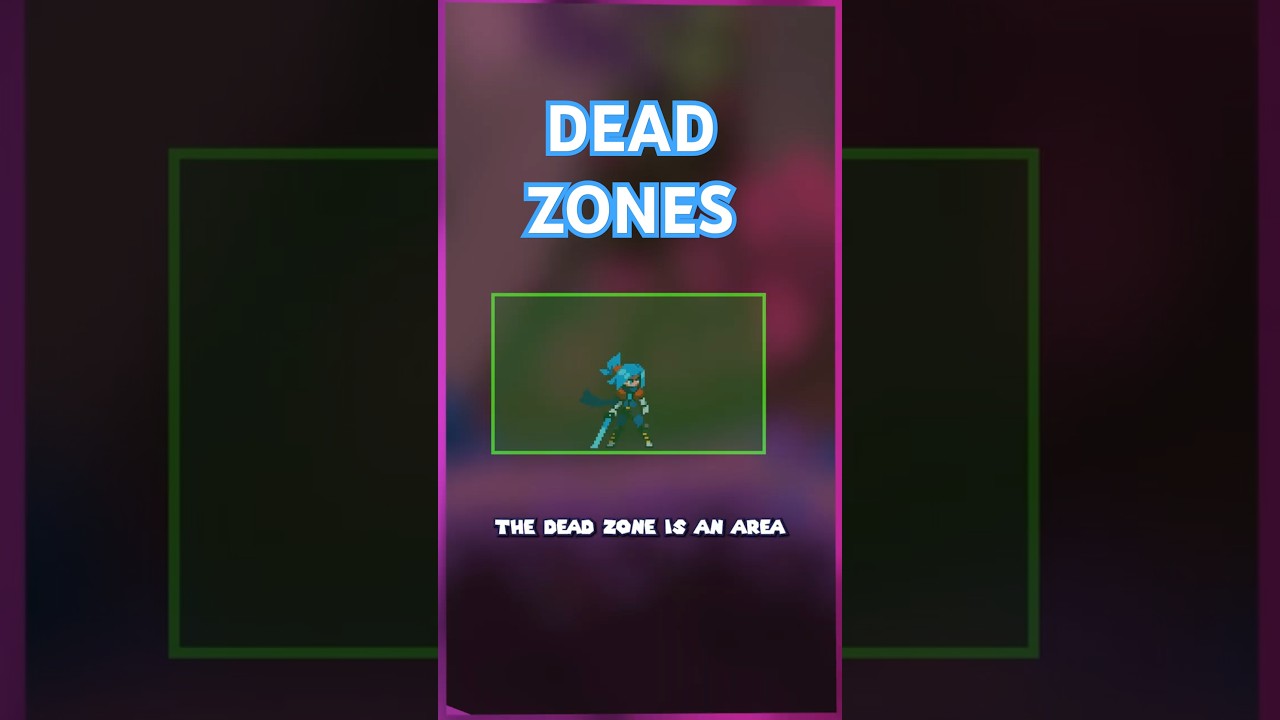
Another possible idea to address the same issue (tracking jitter) is to introduce a “Dead Zone”.

The conecpt is pretty simple, if the ball remains within a specific box central to the camera (imagine 70% of its size, centered) the camera won’t move. If the ball starts going outside of that square, then and only then the camera moves.

You could even make the bounding box configurable.

Optionally, it would be interesting to explore the option to have the vertical movement not only modify the y-axis movement of the camera, but also its zoom level, but this really is just optional.

This is a common solution to avoid lag in video games, so I’d say it’s worth taking a look at it. If I have some spare time I might try to create a little video illustrating the intended behaviour this with Godot.

3 Likes

@Duras ok for both, will have them soon.

1 Like

@codebox Will be out in v0.5.2 as a python script you can run. I’ll try to make it report the most info, because although sometimes sneakers and white dots ARE detected as balls, there are multiple filtering steps that attempt to discard them.

3 Likes

TLDR: New AI experiment based on “lookahead” and your feedback: https://youtu.be/rV-og4xv1Xc


Thanks for the idea,

I had already attempted various tricks above, including Dead zone.

But by nature the tracking was purely reactive. So any attempt at smoothing and “dead” zoning would result in increased latency. And minimising latency results in increased jitter (as it’s constantly reacting to the smallest changes).

So the issue, given my understanding, has always been fundamental. The AI should not be purely reactive. It should either be very good at predicting play and understanding the game (like real cameramen), or it should use what I call “lookahead”. That’s most probably what Veo does.

Look here Veo Go Footage - YSE Champs. - YouTube at second 11, the camera starts panning before the goalkeeper played the ball.

The AI has access to future frames (about 1-2 seconds) and decides on the panning given where the ball and action is actually heading.

Once that’s implemented, then things like smoothing and dead zone become more interesting.
I’ve had this intuition for quite a few months already, but implementing it efficiently in the pipeline turned out to be very hard.

Here are some of the attempts: Unified lookahead buffer + bidirectional smoothing, Remove CPU lookahead

I have thought about it some more, and I am now confident I can achieve it pretty soon.

That being said, I first wanted to validate this idea, and ran the detections first, separately, computed the AI Tracking WITH 3 seconds lookahead, and then fed this to the software to pan accordingly. Essentially mocking how it would really look like once correctly implemented.

And imo the results are extremely promising.

Now with @codebox ‘s footage. The stitching is not great because we haven’t found appropriate lens profiles for the phones he was using, but that doesn’t bother the AI too much.

Can we make it horizontal only as suggested by @Matias_Sanchez_brea : YES. Can we lock/decide on the zoom range: YES. Now why I insist on zooming and pitching, is because I want it to feel like a real cameraman filming, and not like a synthetic motion. But at the end of the day, the app will give the user enough control to customise the tracking as they wish.

What do y’all think?
6 Likes

That new AI tracking on the actionStitch footage looks very promising. I’m new to the forum but have been playing around with the AI code over the last few days but have not got results that match that as yet.

1 Like

Welcome. Did you play with the code in the repository? I’m going to make it easier to test AI modifications, by creating a “File-based Director” that pans given a .csv

That way you can use Python to prototype easily.

This is a massive improvement (the NEW AI TRACKER).
The camera movement finally feels intentional instead of reactive much closer to a real cameraman anticipating the play.

Really impressive work on the look-ahead approach. You’ve tackled the core problem in a very clever way.

What impact will this look-ahead strategy have on processing speed?

And when will we be able to test this version? That will probably help us give even better feedback.

1 Like

Yes, i was playing with the v0.5.0 code and trying to test building something similar but it seems like you have already advanced further so I’ll test what you come up with.

1 Like

No speed impact. Only higher memory usage (VRAM/RAM). How much exactly I’m not sure. Rough calculation gives around 2 GB of memory for a 3 seconds window of lookahead (on 4K footage). The videos above only used 1.5s lookahead window, not 3 as I mentioned.

Don’t know when it will be released, depends on technical challenges I encounter but I’m already halfway done. Will probably be out it v0.5.3 or v0.5.4.

Thanks.

3 Likes